
Spam Filters Are Not What They Were
Five years ago, avoiding spam filters was largely a copywriting problem. Avoid the bad words, don't use excessive exclamation marks, skip the dollar signs, and your email would probably land in the inbox.
That era is over.
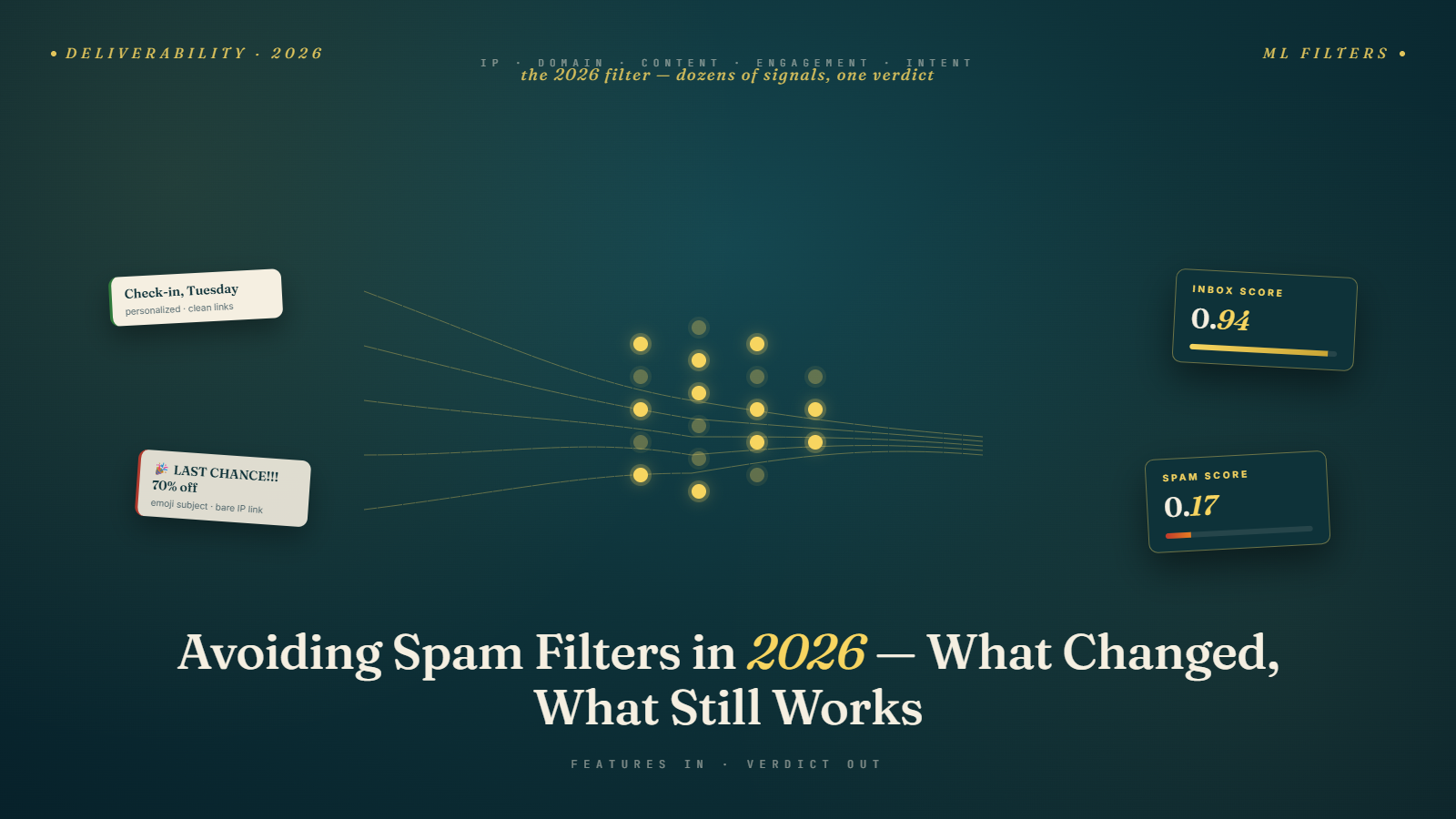
Modern spam filtering — particularly from Gmail and Outlook — is built on machine learning models trained on billions of email interactions. These systems don't look for a list of bad words. They look for patterns of behavior that correlate with unwanted, unsolicited, or malicious email. Some of those patterns are content-based. Many are not.
The shift matters enormously for cold email because it changes the nature of the problem. You can't "beat" a modern spam filter with a clever subject line or by swapping out a few flagged phrases. The filter is evaluating your entire sending profile — infrastructure, history, content, and engagement — simultaneously.
This article maps the current spam filter landscape as of 2026, explains what signals matter most, and gives you a practical checklist for staying in the inbox.
This sits at the intersection of the technical infrastructure work covered earlier in Phase 4 and the content work from Phase 3. Both layers need to work together.
How Modern Spam Filters Actually Evaluate Email
It helps to understand the architecture. When a cold email arrives at a Gmail or Outlook server, it passes through multiple evaluation layers — roughly in this order:
Layer 1: IP and Domain Reputation Check
Before the email body is even looked at, the receiving server checks the reputation of the sending IP address and domain. This is nearly instantaneous and happens at the connection level.
- Is the sending IP on any major blacklists?
- Does the domain have a sending history? Is it positive or negative?
- Is the IP shared with known spam senders?
- What's the historical complaint rate from this IP and domain?
If this layer raises serious red flags — say, a newly registered domain with no warm-up history sending at volume — the email may be rejected or immediately filtered to spam before any content analysis happens.
This is why domain setup and warm-up matter so much. They're addressing the single most powerful filter layer before any of your content is evaluated.
Layer 2: Authentication Check
Did the email pass SPF, DKIM, and DMARC checks? Unauthenticated emails — or emails with failing authentication — are treated with significantly more suspicion at this layer, regardless of content.
As of Google's 2024 requirements, emails that fail DMARC alignment from senders above the threshold are increasingly likely to be rejected entirely at major providers. Authentication is now table stakes.
Layer 3: Behavioral / Engagement Signals
Gmail's spam filter is heavily informed by how recipients have historically behaved with similar emails from this domain. This is the machine learning dimension:
- Do people who receive emails from this domain open them?
- Do they reply?
- Do they move emails from spam to inbox (a strong positive signal)?
- Do they delete without reading, or ignore entirely?
- Do they mark as spam?
These engagement signals accumulate over time. A domain that has historically generated high open rates, replies, and low spam complaints has built up significant positive behavioral credit. A domain that has generated high complaint rates and low engagement is in negative territory.
The implication: engagement quality is now a spam filter input, not just a campaign performance metric. This is why warming up with tools that generate genuine-looking engagement, and why sending to well-targeted, relevant lists (rather than large untargeted blasts), directly improves deliverability.
Layer 4: Content Analysis
Only after the above checks does content analysis happen in detail. And even here, modern filters are less about specific words and more about patterns.
What content signals matter:
HTML complexity and image ratio. Plain-text or near-plain-text emails are less suspicious than heavily designed HTML emails. High image-to-text ratios signal marketing email — which may route to Promotions or trigger spam scoring.
Link density and link quality. Multiple links per email, link shorteners, redirects, and newly-registered link domains all increase spam scores. One link maximum per cold email, using a direct domain link, is the safest pattern.
Content similarity to known spam. If your email's content matches patterns seen in millions of known spam emails, that's a strong negative signal. This is why generic cold email templates — which thousands of people copy and send at scale — eventually get burned: their patterns become training data for spam models.
Engagement prediction. Some filter systems use content to predict engagement likelihood before the email is ever received: does this look like something this specific recipient would want to read? Gmail, in particular, is believed to personalize filtering based on individual recipient behavior.
What's Changed Specifically in 2025–2026
Several developments have materially shifted the deliverability landscape:
1. Google's Postmaster Tools Enforcement Is Stricter
Google's Postmaster Tools tracks spam complaint rates for high-volume senders. The 0.1% complaint threshold has always been the stated limit — but Google's enforcement has become more systematic and more immediate. Domains exceeding this threshold now see faster reputation degradation and recovery times have extended.
The practical implication: complaint rate management is more important than it used to be. Targeting quality — sending only to people genuinely likely to find your email relevant — is now also a deliverability strategy, not just a reply rate optimization.
2. AI-Generated Content Detection
Major spam filter providers are increasingly integrating signals that identify AI-generated email content. This doesn't mean all AI-assisted emails are filtered — it means emails that exhibit strong AI-generation signatures (particularly the flat, generic, overly-structured patterns common in poorly-prompted AI output) are subject to additional scoring scrutiny.
Cold emails that look like they were written by a human, with natural variation in sentence structure and genuine personalization, are less susceptible to this. One more reason that personalization at scale and genuine opening line research pay off at the infrastructure level, not just the conversion level.
3. DMARC Enforcement Has Expanded
The 2024 Google/Yahoo requirements brought DMARC into mainstream enforcement. By 2026, the threshold for bulk sender requirements has been applied more broadly, and more receiving servers globally have adopted stricter DMARC enforcement. Senders without DMARC are increasingly disadvantaged regardless of their absolute send volume.
4. Warm-Up Network Scrutiny Is Growing
Gmail and Outlook are better at identifying artificial engagement from warm-up tool networks. Warm-up tools still work — engagement signals from real accounts in the network are genuinely processed — but their effect is somewhat diluted compared to 2022–2023. This increases the importance of generating real engagement during live campaigns: reply rates and low complaint rates from actual humans matter more than ever.
5. Sending Platform Reputation Is a Factor
If you're sending through a shared infrastructure (Lemlist, Instantly, Smartlead, and similar tools often use shared IP pools), the behavior of other senders on that infrastructure affects you. If other users of the same sending IP are generating high complaint rates, it can drag down your deliverability even if your own behavior is clean.
Mitigation: choose sending platforms with strong reputation management, consider dedicated IPs at higher volume, or configure sending through your own Google Workspace or Microsoft 365 inbox rather than the tool's shared infrastructure.
The Current Deliverability Checklist (2026)
This is the practical, comprehensive checklist for staying in the inbox in 2026. Each item addresses a specific filter layer.
Infrastructure Layer
- Using secondary/dedicated domains — primary domain isolated from cold email
- Secondary domains are at least 2–4 weeks old and properly warmed up
- SPF, DKIM, and DMARC configured and verified on all sending domains
- DMARC policy present (at minimum
p=nonewith reporting active) - Custom tracking domain configured (avoiding shared tracking domain)
- Email hosted on Google Workspace or Microsoft 365 (not a generic shared host)
- Sending through individual inbox connections, not shared IP pools where possible
List Quality Layer
- Prospect list sourced from ICP-matched criteria (not purchased bulk lists)
- Email list verified with a dedicated tool (BulkMailVerifier) before every campaign
- Hard bounce rate below 1% — actively monitored
- Spam complaint rate below 0.1% — actively monitored
- Unsubscribes processed immediately and permanently suppressed
Sending Behavior Layer
- Send volume within warm-up limits (under 40–50 emails/inbox/day for newly warmed accounts)
- Sending spread throughout the day, not in bulk at one time
- Appropriate follow-up cadence (not daily or near-daily)
- Sequences end cleanly — non-responders removed, not recycled indefinitely
Content Layer
- Plain text or near-plain-text format — no heavy HTML templates
- Maximum one link in the email body (or no links in email 1)
- No link shorteners
- No spam trigger words or patterns (see Avoiding Spam Trigger Words)
- Email reads as personally written, not obviously AI-generated or template-filled
- Subject line is clean and not promotional
- Unsubscribe option included ("Reply 'unsubscribe' to be removed")
Monitoring Layer
- Inbox placement tests run before major campaign launches (GlockApps or similar)
- Google Postmaster Tools set up for all sending domains
- Bounce rates and complaint rates reviewed weekly
- Open and reply rate baselines established — drops investigated promptly
The Promotions Tab Problem Revisited
A topic worth addressing directly: Gmail's Promotions tab is not spam, but it's almost as bad for cold email open rates.
In 2026, Gmail's categorization into Primary, Social, Promotions, and Updates has become more sophisticated. Emails are increasingly being sorted at the individual recipient level — Gmail personalizes which inbox tab different senders land in based on that specific recipient's behavior with similar emails.
This means there's no single guaranteed fix. But the patterns that most commonly trigger Promotions routing:
- HTML formatting with images and designed layouts
- Marketing-style language and promotional keywords
- Multiple links
- Unsubscribe links from mass email tools (the classic marker of a newsletter)
- Emails from addresses the recipient has never interacted with before, from domains with no engagement history with this recipient
Plain text, personalized emails with no unsubscribe link (replaced with a manual opt-out option in the copy) and a single or no link are the most reliable way to route to Primary.
When to Suspect a Spam Filter Problem
The hard part about spam filters is that they're invisible. You don't get a notification saying "your email landed in spam." You just see low open rates and wonder why.
Signs that point specifically to a spam filter problem (rather than a targeting or copy problem):
- Sudden, unexplained drop in open rates with no change to copy or targeting
- Open rates below 5–8% on a list that should be reasonably well-targeted
- Test emails to your own inboxes landing in spam — the clearest direct signal
- Google Postmaster Tools showing elevated spam rate for your domain
- Bounce rates recently spiked — this can trigger filter escalation
- New domain with no warm-up — almost guaranteed spam placement at the start
When you suspect a filter problem, go straight to the troubleshooting guide at the end of this phase — it has the diagnostic framework for identifying exactly which layer is broken.
Spam Traps: The Silent Deliverability Killer
Spam traps are email addresses that have never been used by a real person to sign up for anything — they exist specifically to catch senders who are harvesting email addresses or using old, unverified lists. When you send an email to a spam trap address, the trap operator records it as evidence that you're a problematic sender.
There are two main types:
Pristine spam traps: Email addresses that have never been valid user addresses. They're planted in places where scrapers harvest emails — website contact pages, forum posts, public directories. If you hit a pristine trap, it means your list-building methods harvested addresses rather than finding legitimate contacts. This is a serious reputation signal.
Recycled spam traps: Email addresses that were once real user accounts but have been deactivated, then re-activated as traps by ISPs and blacklist operators. Sending to these signals that your list is old and unverified — you're not keeping it current.
How to avoid spam traps:
The primary protection is the same as general list hygiene: only send to addresses that came from legitimate prospecting (not scraped or purchased), and verify your list before every campaign. Email verification tools including BulkMailVerifier test for deliverability patterns that are associated with trap addresses and flag high-risk contacts.
Additionally: never reuse prospect lists that are more than 6–12 months old without re-verification. Recycled spam traps are created from old deactivated accounts — a list that was clean a year ago may now contain traps.
If you suspect you've hit spam traps (you've been listed on Spamhaus, specifically the SBL or DBL, which are trap-based lists), the remediation process is: identify the source of the compromised list segment, remove it entirely, and submit the Spamhaus removal request with explanation.
The Compounding Nature of Good Deliverability
Here's the encouraging reality: deliverability is compounding. Every clean, well-engaged campaign builds positive behavioral credit. A domain that consistently generates good open rates and low complaint rates earns better inbox placement over time — which generates better open rates — which generates better engagement signals — which earns better inbox placement.
The inverse is also true: every high-bounce, high-complaint campaign digs you deeper into a hole that takes increasingly clean behavior to climb out of.
The practical implication: the upfront investment in infrastructure, warm-up, list quality, and targeting pays dividends that compound over the life of your cold email program. It's not one campaign you're optimizing — it's the entire reputation trajectory of your sending domain.
Next up: Sending Limits & Scaling Safely — how to grow your daily send volume without triggering the reputation signals that will undo all this work.