
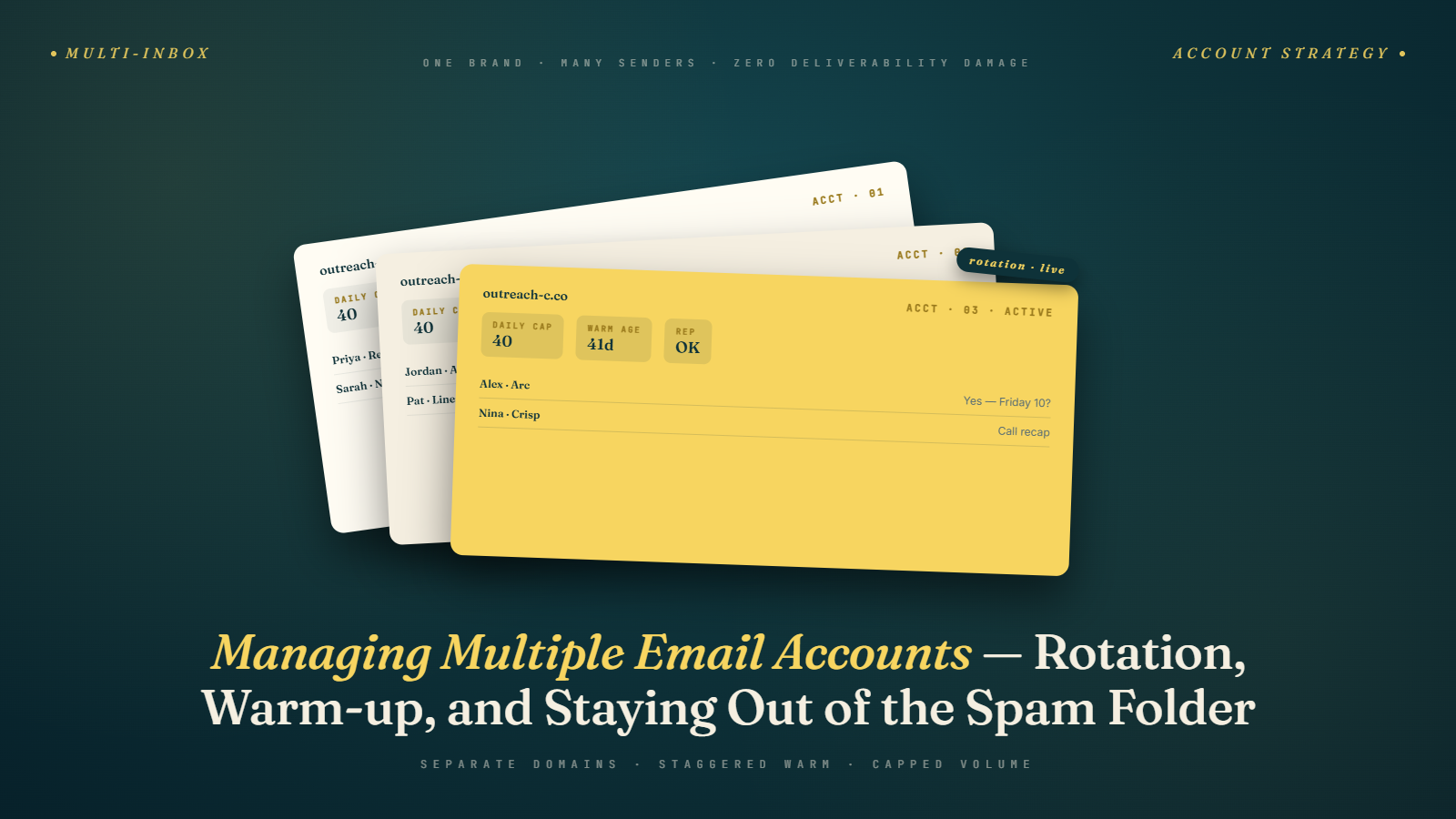
The Operational Complexity Nobody Warns You About
Setting up a secondary domain and warming up one inbox is straightforward. Setting up five domains with fifteen inboxes, keeping them all warmed, monitoring their deliverability independently, managing sequences across all of them, handling replies that come into different accounts, and knowing which prospects have been contacted from which inbox — that's a different kind of problem.
Most guides on cold email infrastructure stop at "set up your domains and warm them up." They skip the operational layer: how do you actually manage all of this at scale without it becoming chaos?
This article is the operational guide. We'll cover how to organize your account portfolio, the tools that make multi-account management workable, how to handle replies across multiple inboxes, the systems for monitoring account health, and the workflows for keeping warm-up running in the background while campaigns are live.
This builds directly on Sending Limits & Scaling Safely and the broader Phase 4 infrastructure framework laid out in What Is Email Deliverability.
The Account Portfolio: How to Structure It
Before we get into tools and workflows, let's establish the right structural model.
The Domain and Inbox Hierarchy
Every account in your cold email operation fits into a three-level hierarchy:
Level 1 — Domains: Each secondary domain you've registered. For example: tryacme.com, getacme.com, useacme.co.
Level 2 — Inboxes: Each email account hosted on a domain. For example, on tryacme.com you might have mike.reynolds@tryacme.com and sarah.chen@tryacme.com.
Level 3 — Campaigns: Each active sending sequence assigned to specific inboxes. Some inboxes may run multiple campaigns if they have sufficient volume headroom. Others are dedicated to one campaign at a time.
This hierarchy matters because it determines how you monitor and troubleshoot. If you see a deliverability problem, you need to know: is it at the domain level (affecting all inboxes on that domain)? Or the inbox level (one account is misbehaving while others are fine)? Or the campaign level (one specific sequence is generating complaints while others are clean)?
The Master Account Registry
Create a simple master document — a spreadsheet works fine — that tracks every domain and inbox in your operation. Columns:
| Field | What to Track |
|---|---|
| Domain | The domain name |
| Registration date | When it was registered |
| Registrar | Where it's registered |
| DNS provider | Where DNS is managed |
| Email hosting | Google Workspace, M365, etc. |
| Inboxes | List of all inboxes on this domain |
| Warm-up status | Warming / Active / Paused / Retired |
| Warm-up tool | Which tool is running warm-up |
| Current campaigns | What sequences are running |
| Health status | Notes on any issues |
| Last reviewed | When you last checked this domain |
This document is your operational source of truth. At 5 domains, it's almost unnecessary. At 15 domains, you'll be grateful you have it.
Choosing a Sending Platform That Handles Multi-Account Well
Not all cold email sending platforms are built for multi-account operations. Some are designed for a single user with a single inbox. Others are purpose-built for teams running dozens of accounts simultaneously.
What to look for in a multi-account sending platform:
Unified inbox management. You should be able to connect all your sending accounts — across multiple domains and providers — in one place, and assign them to campaigns without jumping between tools.
Per-inbox sending limits. The platform should let you set daily send limits per inbox, not just per campaign or per team. You need to enforce those 30–50 email/day limits at the account level.
Automatic inbox rotation. For a single campaign sending to hundreds of prospects, the platform should automatically distribute sends across your connected inboxes — so no single inbox carries disproportionate volume. This is one of the most important multi-account features.
Integrated warm-up. Platforms that include warm-up as a feature (Instantly, Smartlead) let you manage warm-up and live campaigns from the same interface, which simplifies the operational overhead significantly.
Team management and permissions. If multiple SDRs are running campaigns, you need role-based access, visibility into what everyone is sending, and the ability to coordinate across the team without everyone stepping on each other.
Strong platforms for multi-account cold email:
- Instantly: Purpose-built for multi-domain, high-volume cold email. Inbox rotation, built-in warm-up, unified reply handling, and strong account management features. A strong choice for teams running 5–50+ inboxes.
- Smartlead: Similar feature set to Instantly, with some practitioners preferring its campaign management interface. Also includes warm-up natively.
- Lemlist: More feature-rich on the personalization and multichannel side, with solid multi-inbox support. Lemwarm (their warm-up tool) is well-regarded.
- Reply.io: Better for teams that need more structured sales workflow integration alongside cold email.
For teams just starting with 2–3 inboxes, the choice matters less. At 10+ inboxes, the platform's account management architecture starts to significantly affect operational efficiency.
Managing Warm-Up Across Multiple Accounts
When you have 10 inboxes in various stages of warm-up and campaign activity, tracking the warm-up status of each one becomes a real operational task.
Best practice: stagger your domain registrations. Instead of registering 5 new domains on the same day, register 1–2 per week over a month. This means they complete warm-up at staggered times, giving you a steady flow of campaign-ready inboxes rather than a batch that all become available at once.
Keep warm-up running on live accounts. Even inboxes actively sending cold email should keep warm-up running in the background at a reduced level. Most warm-up tools let you configure the warm-up volume independently of campaign volume. A warm-up contribution of 5–10 emails/day per inbox is standard maintenance.
Account for warm-up volume in daily limits. If an inbox is sending 10 warm-up emails/day and you've set a 40-email/day campaign limit, the actual daily total is 50. Keep the combined total (warm-up + campaign) within your safe operational range.
Watch for warm-up tool conflicts. If your warm-up tool and your sending platform are both generating sending activity on the same inbox, make sure the combined volume is coordinated. Some integrated platforms handle this automatically; others require manual configuration.
Reply Management Across Multiple Inboxes
When you're sending from 10 different inboxes, replies come into 10 different mailboxes. Without a system, this is chaos — especially when you have multiple SDRs and replies need to be routed to the right person.
Option 1: Unified inbox in your sending platform
Most modern cold email tools aggregate replies from all connected inboxes into a single unified inbox view. You see all replies in one place, can see which campaign and sequence they're from, and can respond directly from the platform.
This is the simplest solution and works well for most teams.
Option 2: Forwarding rules
Set up forwarding rules in each sending inbox to forward replies to a central mailbox or to the appropriate SDR's primary email. This keeps things in your normal email client rather than the sending tool.
The downside: forwarding rules can complicate reply threading and sometimes strip attribution data.
Option 3: CRM integration
For teams at scale, syncing cold email replies directly into a CRM (Salesforce, HubSpot, Pipedrive) and managing follow-up from there is the right architecture. Most sending platforms have native CRM integrations or Zapier workflows that enable this.
The critical rule: Every positive reply — any indication of interest, a request for more information, or even a "not now but keep in touch" — needs to be removed from the cold email sequence immediately and moved into a human-managed follow-up flow. Sending a cold email follow-up to someone who already replied positively is one of the most damaging things you can do to a prospect relationship. Most sending platforms handle this automatically when you configure "stop sequence on reply."
Monitoring Account Health Systematically
With multiple inboxes and domains, you can't rely on gut feel to know when something is wrong. You need a regular, systematic review process.
Weekly account health review (15–20 minutes):
For each domain:
- Check bounce rate from the past week — is it above 1.5%?
- Check open rate trend — is it declining without explanation?
- Check spam complaint rate if visible — any movement above 0.05–0.08%?
- Check warm-up tool reports — inbox placement still above 85%?
- Check if the domain is on any major blacklists (MXToolbox blacklist checker)
For flagged accounts:
- Pause sending from any inbox showing signs of trouble
- Investigate root cause before resuming (list quality issue? Authentication problem? Volume too high?)
- Don't just lower volume on a troubled inbox — diagnose first
Monthly inbox placement audit:
Once a month, run a full inbox placement test on 2–3 of your most active sending domains using GlockApps or Mailreach. This gives you ground truth on where your emails are actually landing across major providers — not just the delivery metrics your platform reports.
Quarterly domain retirement review:
Every quarter, evaluate whether any domains in your portfolio should be retired. Signs a domain should be cycled out:
- Persistent deliverability problems that haven't resolved with clean sending
- Blacklist appearances that took more than 2–3 weeks to clear
- Reputation score (visible in Google Postmaster Tools) that has stayed in the "Bad" range for more than 4 weeks
A planned domain retirement and replacement cycle keeps your portfolio fresh and prevents gradual reputation decay from accumulating across your most-used sending infrastructure.
Managing Multiple Accounts Across a Team
When multiple SDRs are running outbound, the multi-account management challenge compounds. Each rep may have their own assigned domains and inboxes, or you may share infrastructure across the team.
Shared infrastructure (recommended for most teams): The team shares a pool of sending domains and inboxes, managed centrally. Campaigns are assigned to inboxes by a central admin or ops person. Individual reps write their own sequences but don't own or configure their own infrastructure.
This approach:
- Prevents individual reps from misconfiguring their own infrastructure
- Allows better monitoring and consistent standards across the team
- Makes it easier to reallocate inbox capacity when a rep's campaign is paused or when they leave the team
Individual infrastructure (higher complexity, more autonomy): Each rep owns their own domains and inboxes. They're responsible for their own warm-up, monitoring, and list management.
This works at very small team sizes (1–2 reps) or when reps are highly technical and experienced. It becomes operationally messy at 5+ people.
Regardless of approach, shared visibility into everyone's deliverability metrics is important. If one rep's campaign is generating high complaint rates on their domain, you want to know that as an organization — not find out when their domain gets blacklisted.
Handling Account Suspensions and Limits
Even with perfect practices, you may occasionally run into platform-level account issues. Google Workspace and Microsoft 365 both have automated systems that flag accounts showing unusual activity — and cold email, even done correctly, can sometimes look unusual to these systems.
Google Workspace account warnings: If Google detects activity that violates their Terms of Service or resembles spam behavior, you may receive a warning email or find that your account has been temporarily restricted from sending. The typical triggers: very high volume from a new account before adequate warm-up, high bounce rates, or user reports of spam.
What to do:
- Stop sending immediately from the flagged account
- Review Google's Workspace TOS and your sending activity for any violations
- Respond to Google's review process if prompted (there's usually a form to submit)
- While the account is under review, route its campaigns temporarily to other accounts with headroom
- If the account is permanently suspended, retire it and replace it with a new inbox on a different domain
Microsoft 365 send rate limits: Microsoft 365 enforces sending rate limits more visibly than Google does. If you hit the rate limit (10,000 recipients per day), you'll see delivery errors. Microsoft also has Smart Network Data Services (SNDS) — a diagnostic tool similar to Google Postmaster Tools — that gives you IP reputation data.
Preventing account issues:
- Start all new accounts well below their limits, especially the first few weeks
- Never add thousands of contacts to a campaign all at once on a new account
- Keep warm-up running so account engagement signals stay healthy
- Use your sending platform's per-account limits as guardrails — don't override them upward
Having a portfolio of accounts across multiple domains means a single account issue doesn't stop your whole operation. One account being investigated doesn't affect five others running cleanly. This is the operational value of domain isolation that we keep returning to throughout Phase 4.
The Operations Playbook
Every multi-account cold email operation eventually needs a documented playbook. At minimum, this should cover:
- Domain registration procedure: How to register new domains, where, what naming conventions to follow
- DNS setup checklist: The exact SPF, DKIM, and DMARC records to configure, how to verify them
- Warm-up procedure: Which tool, what schedule, when a domain is considered campaign-ready
- Account connection procedure: How to connect a new inbox to the sending platform
- List verification requirement: Every list verified with BulkMailVerifier before import — non-negotiable
- Campaign launch checklist: What must be confirmed before a new campaign goes live
- Incident response: What to do when an account shows deliverability problems — who investigates, what steps, when to retire vs. recover
- Offboarding: What happens to domains and inboxes when an SDR leaves the team
This playbook doesn't need to be a formal 50-page document. A shared Notion page or Google Doc with 8–10 sections is sufficient. The point is that the knowledge is written down and consistent, not living in one person's head.
Next up: Troubleshooting Low Open Rates — the diagnostic framework for when campaigns underperform, covering every layer from infrastructure to copy to targeting.