
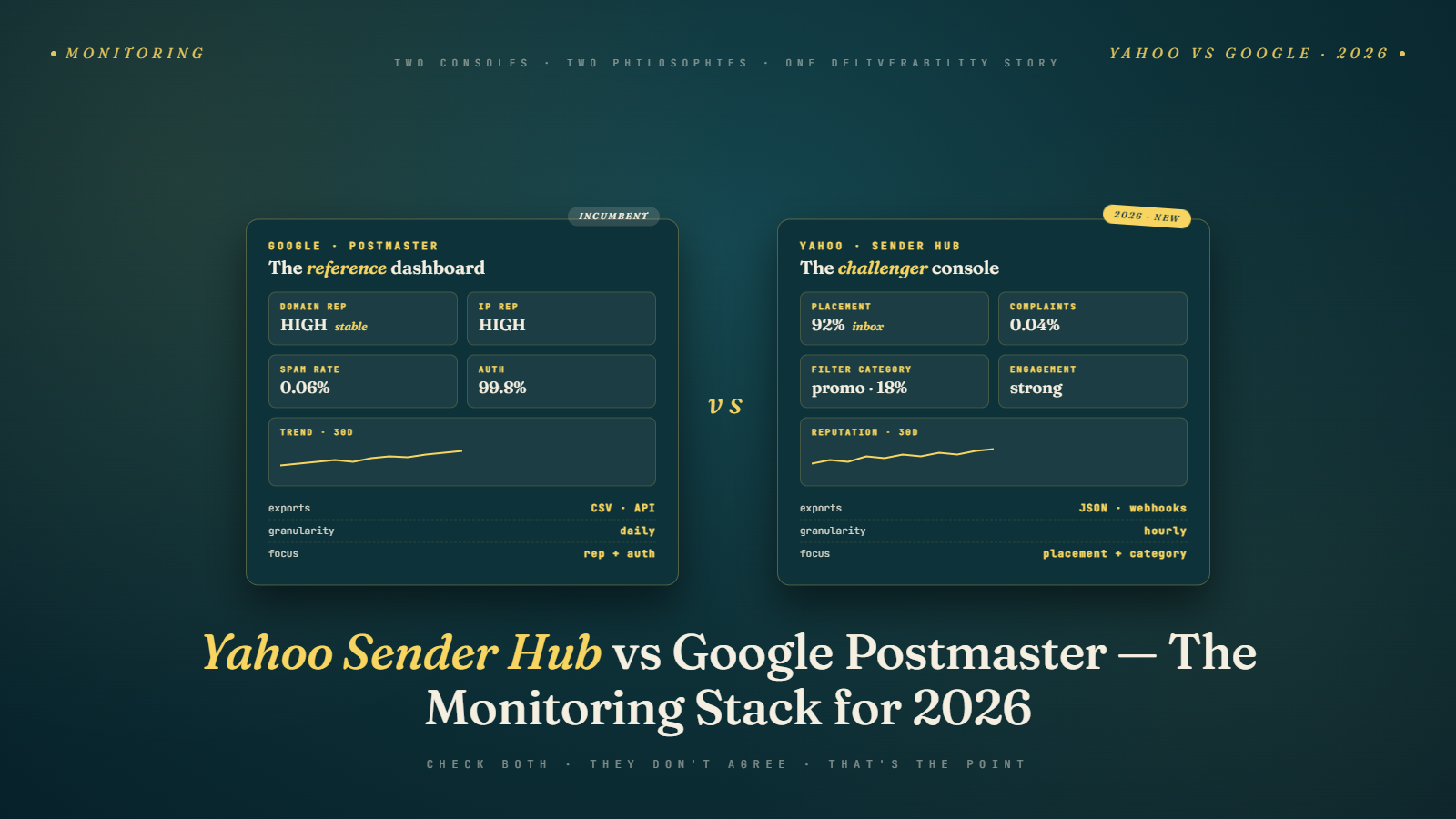
Most email teams I talk to have Google Postmaster Tools set up. Maybe half of them have Yahoo Sender Hub configured. That ratio is backwards given that Yahoo (which includes AOL through the same infrastructure) represents a significant chunk of consumer email addresses, particularly in North America for audiences over 40.
The two tools measure different things, surface different signals, and require different setups. Using one without the other is like driving with one eye closed. You can see the road, but you have a blind spot you are not aware of.
This is a direct comparison of what each tool tells you, where each one falls short, and how to combine them into a complete picture of your sending health.
What Google Postmaster Tools Actually Measures
Google Postmaster Tools (GPT) gives you five main data streams: domain reputation, IP reputation, spam rate, delivery errors, and feedback loop data (for senders enrolled in their FBL program).
Domain reputation is the headline metric. Google grades your domain on a four-tier scale: Bad, Low, Medium, and High. These grades are not precise percentages; they are qualitative buckets. A domain rated "High" is in good standing. A domain rated "Low" may see significant inbox placement issues. "Bad" usually means active blocking.
The spam rate metric in Postmaster Tools is the most actionable number. It represents the percentage of messages from your domain that Gmail users marked as spam, expressed over a rolling window. Google's published guidance sets 0.10% as the threshold where enforcement begins, but I have seen senders experience delivery problems at sustained rates above 0.08%. The safer target is below 0.05% if you can maintain it.
IP reputation is a separate track from domain reputation. A sending IP can have different reputation than the domain it is sending for. This matters if you share IPs with other senders (common on shared hosting or some ESP plans). Your domain reputation may be High while your IP reputation is Low because another tenant on the same IP is sending junk. That combination produces confusing results: good domain standing but poor inbox placement.
Delivery errors is the underused section of Postmaster Tools. It shows SMTP error codes that Gmail returned to your sending infrastructure, categorized by error type. If you are seeing a spike in 550 rejections (which became more prominent after Google's November 2025 enforcement shift, covered in detail at Gmail's 550 rejection enforcement shift), Postmaster Tools will show you the error volume and classification even if your ESP is not surfacing that granularity.
One limitation worth stating plainly: Postmaster Tools only shows data for mail delivered to Gmail. Yahoo data is invisible to it. A sender who looks great in Postmaster could be struggling at Yahoo.
What Yahoo Sender Hub Actually Measures
Yahoo Sender Hub is newer and has a different philosophy than Google's tool. Where Google emphasizes reputation signals, Yahoo Sender Hub is more operationally focused. It shows complaint rate, bounce rate, and volume data for mail delivered to Yahoo and AOL addresses.
The complaint rate in Sender Hub is the number that matters most. Yahoo has its own feedback loop (the Complaint Feedback Loop, or CFL), and Sender Hub surfaces that data directly. The complaint threshold Yahoo uses for reputation scoring is broadly similar to Google's but Yahoo has historically been somewhat more aggressive in applying rate limiting before an outright block.
Bounce rate in Sender Hub breaks down by bounce type and reason code. If a significant portion of your Yahoo bounces are "address does not exist" errors, that tells you something about your list quality for Yahoo-hosted addresses specifically. Yahoo has been more aggressive than Gmail about deactivating dormant addresses, so lists that have not been cleaned recently often show worse bounce performance at Yahoo than Gmail.
Sender Hub also shows sending volume trends over time, which is useful for diagnosing issues that correlate with volume changes. A spike in complaints that coincides with a volume increase usually points to either a list quality problem (you mailed a segment you should not have) or a frequency problem (you suddenly increased cadence).
The one thing Sender Hub does not give you that you might expect: direct domain reputation scoring. Unlike Google's tiered reputation display, Yahoo does not surface a simple reputation grade. You infer your standing from the complaint and bounce metrics.
Setting Up Yahoo Sender Hub (Since Most Teams Haven't Done It)
Yahoo Sender Hub requires a few steps that are less automatic than Google Postmaster Tools.
First, you need to register at the Yahoo Sender Hub portal (senders.yahooinc.com). You will need to verify domain ownership, typically through a DNS TXT record that Yahoo specifies during the registration process.
Second, and this is where many senders stop: you need to enroll in the Complaint Feedback Loop. The CFL enrollment is a separate step from just accessing Sender Hub. Without CFL enrollment, you will not see real complaint data; you will only see aggregate volume metrics. The CFL enrollment requires submitting your sending IP addresses and a delivery address where Yahoo will send the complaint reports. Most modern ESPs have a process for handling FBL reports; check with your ESP about how they handle inbound Yahoo FBL messages.
Third, plan for a verification delay. Yahoo can take several days to weeks to complete domain verification and begin populating data. Start this process before you need the data.
If you are on a major ESP like Mailchimp, Klaviyo, Brevo, or Sendgrid, those platforms handle the FBL enrollment on their IP addresses on your behalf. But if you send on your own dedicated IPs, you handle this yourself.
Side by Side: What Each Tool Shows
Here is where the two tools diverge and overlap in a way that is useful to have in one place.
| Signal | Google Postmaster | Yahoo Sender Hub |
|---|---|---|
| Domain reputation (tiered grade) | Yes | No |
| IP reputation | Yes | No |
| Spam complaint rate | Yes (Gmail users only) | Yes (Yahoo/AOL users only) |
| Bounce rate detail | No | Yes |
| SMTP delivery errors | Yes | No |
| FBL data access | Yes (via enrollment) | Yes (via CFL enrollment) |
| Authentication failure rate | Yes (DKIM, DMARC breakdown) | No |
| Volume trends | Limited | Yes |
The absence of IP reputation data in Sender Hub is a meaningful gap. If you are on shared IPs and suspect an IP-level problem, you are relying entirely on Google's view of it.
The absence of detailed SMTP error data in Sender Hub means that if Yahoo is rejecting your mail at the connection level, you may not know why from the Sender Hub interface alone. You need to look at your ESP's bounce logs for Yahoo-specific rejection codes.
Which Metrics to Trust More (and Why They Sometimes Disagree)
Occasionally you will see one tool showing a healthy picture while the other shows problems. This happens and the interpretation matters.
If Google Postmaster shows high reputation but your Yahoo complaint rate is elevated, the most likely explanation is list quality for that specific demographic. Older lists with high Yahoo concentrations often contain dormant addresses that Yahoo has purged or re-assigned. Addresses that Yahoo classifies as inactive-but-not-bouncing can still be trap-adjacent; someone who has not logged in to their Yahoo account in three years cannot be a real engaged subscriber regardless of what your open rate shows.
If your Yahoo complaint rate looks fine but Google spam rate is high, the explanation is usually engagement-based. Gmail's spam classification relies heavily on user signals: explicit spam marks, but also implicit signals like never-opened or deleted-without-reading patterns. A segment that looks clean from a bounce and complaint perspective can still perform badly at Gmail if the engagement rate is poor.
The single most important thing I have learned from using both tools: never attribute a deliverability problem to one provider and assume the other is fine. The issues usually have a common root cause (list quality, authentication problems, content patterns, sudden volume changes) that manifests differently at each provider.
For authentication verification, Postmaster Tools gives you a breakdown of messages that passed DKIM and SPF alignment under your domain. If that rate is below 100%, you have mail being sent under your domain that is not properly authenticated. Understanding how SPF, DKIM, and DMARC work together is the foundation for interpreting those numbers correctly.
The Data Gaps Neither Tool Covers
Being honest about the limitations of these tools matters as much as knowing what they measure.
Neither tool tells you about inbox placement at providers other than their own. Microsoft Outlook (Hotmail, Live), Apple Mail, corporate mail servers, and every ISP not named Google or Yahoo are invisible to both of these tools. There is no equivalent to Postmaster Tools or Sender Hub for Outlook. Microsoft does have the JMRP (Junk Mail Reporting Program) and SNDS (Smart Network Data Services) for IP-level data, but they are significantly less intuitive and cover fewer signals.
Neither tool tells you about placement vs. filtered-to-spam rates with precision. Google Postmaster's spam rate reflects explicit spam reports, not passive filtering. You can have 40% of your mail landing in spam folders without it registering as a high spam rate if users are not actively marking it. Seed testing and inbox placement monitoring tools fill this gap, but they are separate from what Postmaster provides.
Neither tool distinguishes between transactional and marketing mail if you send both from the same domain. If your transactional confirmation emails have good engagement and your marketing emails have poor engagement, the domain reputation in Postmaster is a blend of both. Senders who operate dedicated subdomains for transactional vs marketing traffic can isolate this. Senders who co-mingle them cannot.
For a fuller view of your actual inbox placement across providers, tools like Validity's Everest, 250ok, or email client-specific deliverability testing are necessary supplements. Postmaster and Sender Hub are valuable but they are not substitutes for broader deliverability monitoring.
How to Use Them Together
The practical workflow I recommend: check both tools on the same cadence, and set up alerts where possible.
For Google Postmaster, the spam rate metric is the one to watch most closely. If it climbs above 0.05% over two consecutive reporting periods, that is a signal to investigate list quality and send frequency before it becomes a problem. The domain reputation changes more slowly; use it for trend monitoring rather than day-to-day operations.
For Yahoo Sender Hub, watch complaint rate and bounce rate on each send or at least each week. A spike in bounce rate after a specific campaign often points to a list segment problem you can isolate. A sustained complaint rate increase points to content or frequency issues.
When both tools show problems simultaneously, prioritize authentication and list hygiene first. Authentication failures (which Postmaster surfaces directly) will cascade into reputation problems at both providers. A list hygiene audit with Bulk Mail Verifier or a similar tool can identify the addresses most likely to generate complaints: role-based addresses, recently bounced addresses, and addresses with suspicious domain patterns.
The combination of Postmaster and Sender Hub, read together, gives you enough signal to diagnose most deliverability problems. The gaps they share (Outlook, Apple Mail, placement vs rejection distinction) justify supplementary monitoring, but do not let the perfect be the enemy of the good. Most senders would benefit more from consistently checking these two free tools than from adding a paid monitoring platform they never look at.
Understanding why your mail lands in spam rather than just knowing it does is the distinction between reactive and proactive deliverability management. The reasons email ends up in spam are often visible in this data before they become serious problems, if you know what you are looking at.
A Note on Data Freshness and Reporting Lag
One operational detail that trips people up: neither tool is real-time.
Google Postmaster Tools typically has a 24 to 72 hour lag in metric updates. Spam rate data in particular can be slow to reflect recent sending activity. If you just sent a campaign yesterday and the Postmaster numbers look unchanged, that is normal.
Yahoo Sender Hub data freshness varies but is generally comparable. FBL reports from Yahoo come in near-real-time (within hours of a complaint), but the aggregated metrics in the Sender Hub interface lag by a day or more.
This means both tools are better for trend analysis than for real-time incident response. If you suspect an active delivery problem, your ESP's bounce and rejection logs will give you faster signal than either Google Postmaster or Yahoo Sender Hub.
Also be aware that both tools have data thresholds: they suppress data for sending volumes below a certain minimum to protect user privacy. Low-volume senders may find that metrics are blank or incomplete even after proper setup. This affects primarily senders with fewer than 1,000 messages per day to that provider's users.
The next time you are investigating a deliverability issue, open both tools before you open anything else. The pattern of what each one shows (or does not show) is usually the fastest path to understanding what is actually happening.
What to Build Around These Tools
The programs that use these tools well share a specific operational pattern. They integrate the data into a weekly review rather than treating it as an ad-hoc troubleshooting resource. A 20-minute standing slot on Monday mornings to pull reputation, spam rate, and bounce data from both tools catches 90% of emerging issues before they become crises.
They also cross-reference the data with their ESP's campaign-level reports. A spam rate climb in Postmaster that coincides with a specific campaign in the ESP logs gives you a direct target for diagnosis. Looking at either source alone usually requires more interpretation than looking at both together.
Pair this monitoring cadence with list hygiene. Addresses that generate complaints are often addresses that would have been flagged by email verification as high-risk. Running your list through a verification service like Bulk Mail Verifier catches many of the addresses most likely to hurt your reputation in Postmaster and Sender Hub before they do the damage. The verification work and the monitoring work are complements, not substitutes, and teams that do both consistently see fewer surprises in either dashboard.